🎬 1,000+ Projects Delivered⚡ Fast turnaround, deadline never missed🌍 Global Clients: USA, UK, DE, FR + moreinfo@lucidmotionstudio.com
SaaS Videos
SaaS video production that makes software easy to understand
Explainer videos, product demos, feature launches, UI walkthroughs and onboarding videos for software companies. Built around your real interface and scripted for the question a buyer or user is actually asking.
Working with SaaS teams, product marketers and agencies internationally, from pre-launch start-ups to established platforms.
Selected work
SaaS videos from our portfolio
Published software and AI product videos, in UI animation, motion graphics and 2D styles. Each card is labelled by the kind of video it is.
Featured · SaaS explainer
Payraydoo
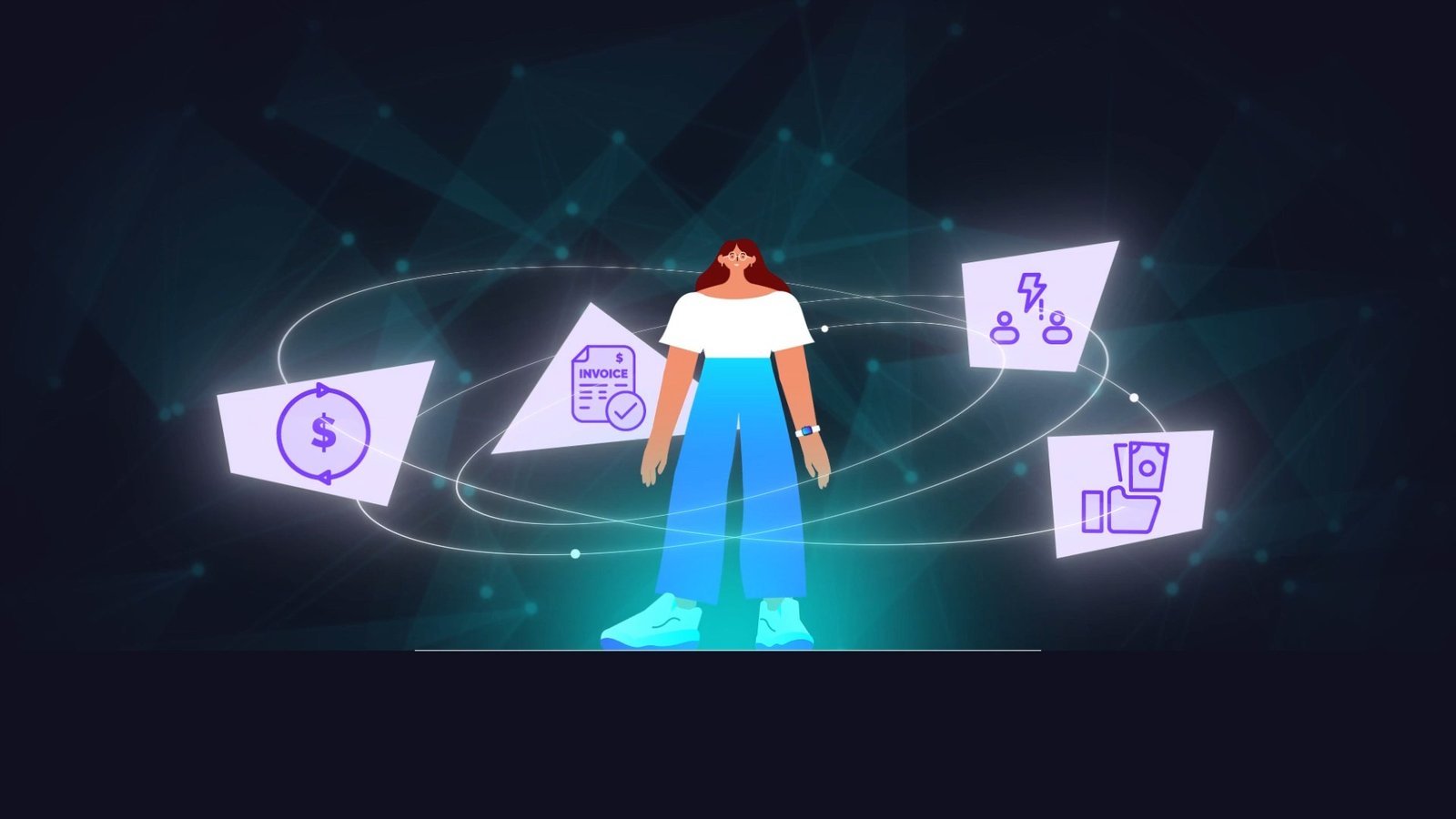
A SaaS explainer for payments automation. One film carries the positioning and shows how the product works, which is the format most software teams commission first.
Scripts written from real demos and documentation
UI rebuilt or enhanced so it reads at video size
Master film plus cutdowns for web, social and sales
Titles and descriptions match our Our Work page. New SaaS case studies are added as clients approve them.
SaaS video, defined
What is SaaS video production?
In brief
SaaS video production is the planning, scripting, design and animation of videos that explain or demonstrate software. It covers several distinct formats: explainer videos that tell the product story, product demos that show the software working, feature videos for releases, UI walkthroughs and onboarding videos for new users.
What makes it different from a generic explainer is the interface. A SaaS video has to show a real product doing a real job, in an order a stranger can follow, without turning into a screen recording nobody finishes. That is a scripting and editing problem before it is an animation problem.
What a good SaaS video helps you achieve
Faster understandingProspects grasp what the product does before a sales call, not during it.
Shorter time to valueNew users reach their first useful result without waiting for a support ticket.
Launches people noticeEach release gets a clear, reusable video instead of a changelog line.
Consistent sales conversationsEvery rep can send the same accurate explanation after a call.
Visible back-end valueIntegrations, automation and AI decisions become something a buyer can picture.
What we can create
SaaS and software videos we produce
From the first homepage video to a library of release and help-centre content.
SaaS explainer videos
The product story in 60 to 90 seconds: problem, solution and why it matters.
Product demo videos
The core workflow shown clearly, for pricing pages, trials and sales follow-up.
UI walkthroughs
Step-by-step flows using real or recreated screens, paced for every click.
Feature and release videos
Short, focused videos shipped alongside a release, often as a series.
Onboarding videos
Set-up and first-use videos for in-app, email and academy placement.
App videos
Mobile and web app videos with device framing and gesture animation.
Launch videos
A higher-energy film for a product or major version launch.
Product tutorials
How-to content for help centres and customer education.
Sales enablement videos
Cuts a rep can send after a call to answer the objection that came up.
Product-led marketing assets
Loops, UI animations and short clips for websites, ads and social.
Five different videos
Explainer, demo, feature, walkthrough, onboarding: five different jobs
Software teams often ask for “a product video” when they need one of five quite different assets. Each answers a different question for a different viewer, so each is scripted differently.
SaaS explainer video
Explains the problem, the solution, the value proposition and the overall product story. Often uses almost no real UI.
Watched by
Someone new to the category
Usually lives
Homepage, ads, outbound
Typical length
60 to 90 seconds
Product demo
Shows the actual product and how it works: the core workflow, in the order a buyer evaluates it.
Watched by
Someone already evaluating
Usually lives
Pricing and demo pages, sales follow-up
Typical length
1 to 3 minutes
Feature video
Focuses on one capability, feature or release: what changed, who it helps and where to find it.
Watched by
Existing users and warm prospects
Usually lives
Release notes, email, social, in-app
Typical length
20 to 60 seconds
UI walkthrough
Demonstrates a workflow step by step using actual or recreated product interfaces, paced so every click can be followed.
Watched by
Evaluators and new users
Usually lives
Help centre, sales decks, trials
Typical length
1 to 4 minutes
Onboarding video
Helps a new user reach their first useful result: set-up, key actions and what to do next.
The choice is made shot by shot, not once for the whole video.
Enhanced screen recording works when
The interface is stable, clean and readable at video size
Authenticity matters: technical buyers want to see the real product
Speed matters more than polish, for example a weekly feature update
Animated or recreated UI works when
The product changes often, or the release is not live yet
Screens are dense, full of test data or show sensitive information
The value happens behind the interface: integrations, data flow, AI decisions
Recreated UI has to stay faithful to the real product. Your product team checks every screen at storyboard stage, so the video never shows a feature the software does not have.
Common use cases
Where SaaS video does the most work
Homepage and positioning
An explainer that makes the category and the product clear in the first minute.
Trials and product-led growth
Onboarding and walkthroughs that shorten time to first value.
Launches and releases
Launch films and feature videos timed to the release date.
Sales and procurement
Demo cuts for champions to share internally and technical deep dives for evaluators.
Customer education
Help-centre tutorials and academy lessons that reduce repetitive support questions.
Investors and events
Product films for fundraising decks, booths and conference stages.
Who it is for
Built for the people who own the product story
SaaS video sits between marketing, product and sales, so we write for all three.
01
Product marketing managers
Launches, positioning and the homepage video.
02
Product and growth teams
Onboarding, activation and in-app education.
03
Founders
A first explainer that makes a new product easy to pitch.
04
Sales and customer success
Demo cuts and tutorials that repeat the best explanation every time.
05
Agencies with SaaS clients
Extra production capacity under the agency's own name.
Is it the right format?
When a SaaS video is the right tool, and when it is not
Choose SaaS video production when
The software itself needs to be shown, not only described
Buyers keep asking the same “how does it actually work?” question
You release often and need a repeatable video format
New users stall before their first useful result
Consider something else when
The idea matters more than the interface: start with an explainer video
You sell hardware or a device alongside the software: add 3D animation
You need brand, data or UI motion rather than a story: see motion graphics
The audience is internal staff learning a tool: see training videos
How production works
How we produce a SaaS video, with product accuracy built in
Seven stages. Your product team is involved at the two points where accuracy is decided: the script and the storyboard.
Product discovery
We watch a real demo, read the documentation and agree the audience, the placement and the one idea the video must land.
Script
Built around how the product creates value, not the feature list. You approve every word and every product claim.
Storyboard and UI plan
Scene by scene, including which screens are recorded, which are recreated and which data appears on them.
Visual direction
Style frames for UI treatment, typography, colour and any illustration, matched to your brand and product design.
UI animation and production
Screens rebuilt or enhanced, animated, and combined with motion graphics or 2D where the story needs it.
Voice, sound and finishing
Voiceover, music, sound design and captions, then a full preview for your review.
Delivery and versions
Master film plus the cutdowns, aspect ratios and language versions agreed in the quote.
What helps us start
Access to a demo or trial environment, or a recorded walkthrough
Screenshots, UI files or a design system if you have one
Product documentation, a sales deck or a positioning document
Your brand guidelines
One person who can answer product questions during production
Depending on the project, deliverables may include:
Master video (16:9)
9:16 vertical cut
1:1 square cut
15 and 30 second cutdowns
Silent captioned version
Subtitles (SRT)
Voiceover language versions
UI loops for web pages
Still frames for thumbnails
Presentation-ready versions
Editable project files, where agreed
For products that change often we build scenes as modules, so a new screen usually means updating one section rather than remaking the video.
What affects cost and timeline
Length and number of scenes. A 60-second explainer and a four-minute walkthrough are different projects.
How much UI is recreated. Enhanced recording is faster; fully rebuilt, animated UI takes longer.
Style. UI and motion graphics only, or combined with 2D characters or 3D devices.
Versions. Cutdowns, aspect ratios and languages are planned from the start so they cost less.
Review speed. Fast product-team sign-off at script and storyboard keeps timelines short.
A typical 60-second SaaS video takes two to four weeks from brief to delivery. Our fixed-price packages start from $180 for a 30-second video and $340 for a 60 to 90 second explainer. Larger, 3D and series projects are quoted individually. Every quote is written and arrives within 24 hours.
Related industries and services
Related industries, services and guides
The format stays the same; what a viewer needs to understand changes by market.
What is the difference between a SaaS explainer video and a product demo?
An explainer tells the product story: the problem, the solution and why it matters, usually in 60 to 90 seconds and often with little real UI. A product demo shows the actual software doing the work, for someone who is already evaluating it. Most software companies need both, and they work best as separate videos.
How long should a SaaS demo video be?
Homepage demos usually work best between 60 and 90 seconds. Feature videos are shorter, often 20 to 60 seconds. Onboarding walkthroughs can run longer because the viewer has already chosen to watch.
Do you use real screen recordings or animated UI?
Both, usually in the same video, chosen shot by shot. Recording where the product already looks good; animated or recreated UI where a screen is too dense, not yet live, or needs to be slower and clearer than the real interface allows.
What do you need from our product team?
Access to a working environment or a recorded walkthrough, your brand kit, and one person who can answer product questions. Your team reviews the script and the storyboard, which is where product accuracy is decided.
How long does a SaaS video take to produce?
Two to four weeks for a typical 60-second video, from brief to final delivery. Walkthrough series, heavy UI recreation or added 2D and 3D scenes take longer; you get a specific timeline with the quote.
Can you update the video when our UI changes?
Yes. We build scenes as modules for this reason, so a UI change usually means updating one section rather than remaking the video. Editable files can be included where agreed.
Can you produce a series for each feature release?
Yes. We create a style guide first so every release video matches the ones before it, which also makes each new video quicker to produce.
Can you work under an NDA?
Yes. We are happy to work under your NDA when confidentiality is required. Pre-release products and trial access you share are used only for your project.
Tell us what you are launching or explaining
Share whatever you have: an idea, a brief, a reference video, a script, a product link or an existing storyboard. We will recommend a production approach, a length and a format, then send a written quote. A product link or a short screen recording is the most useful place to start.