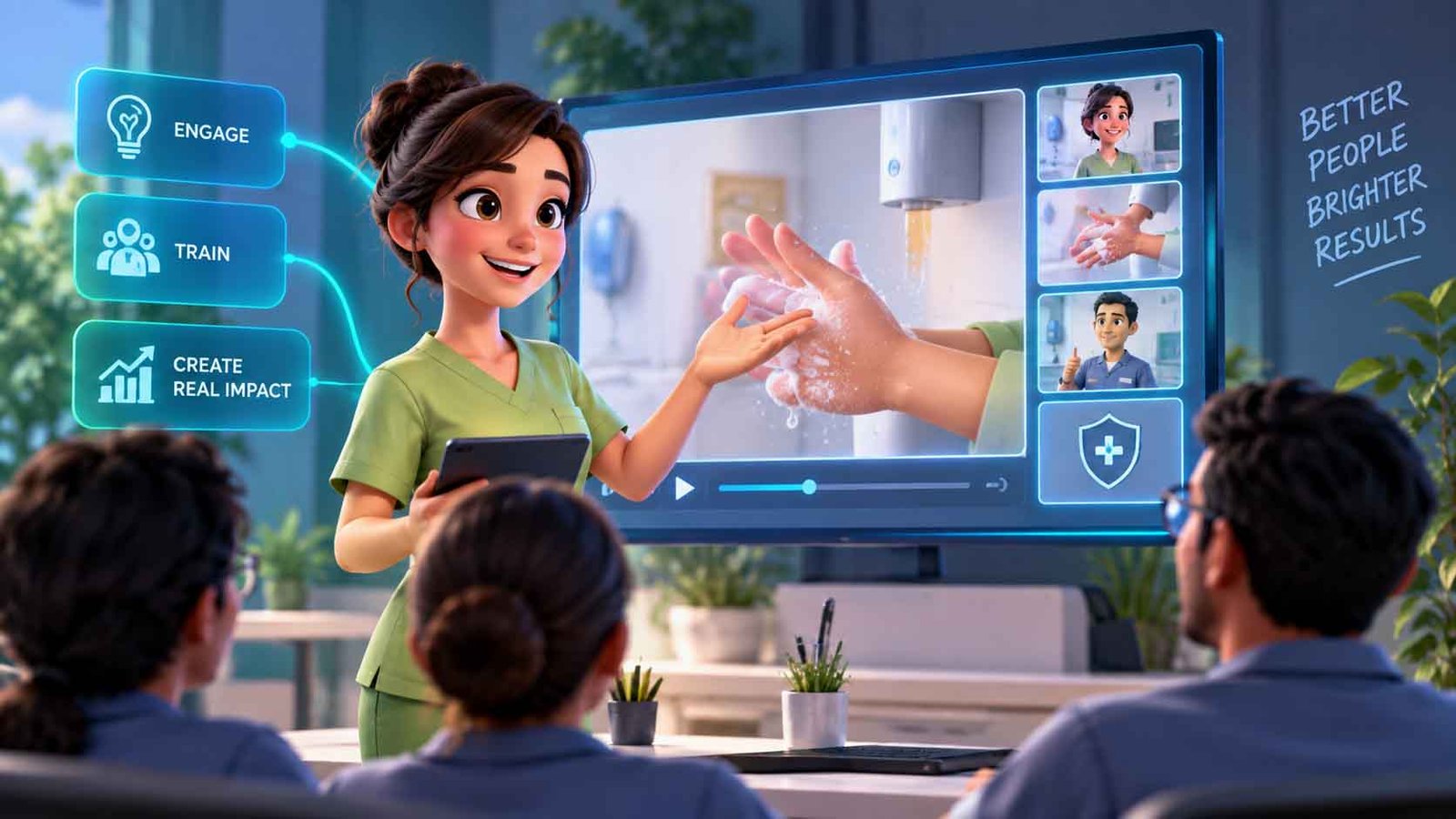
Animated training video suits abstract policy, hazardous procedures, software and any content that must run in several languages, because one animated master produces every language version without reshooting. A typical module runs three to six minutes and takes four to eight weeks. Filmed training remains better for equipment handling, real workplaces and anything where seeing a colleague matters.
Key facts
- Module length: 3 to 6 minutes per topic, split into modules rather than one long course
- Production time: 4 to 8 weeks for a 2D module, with content sign-off accounting for most of the variance
- Multi-language: one animated master, many voiceover and subtitle versions, without a reshoot
- Animation wins: policy, ethics, data protection, software, hazardous procedure, anything abstract
- Film wins: physical equipment handling, real sites, and content where seeing actual colleagues matters
- Deliverables to specify: captions, transcripts, and files ready for your LMS
On this page
What animation is actually solving in training
Most corporate training content has a fundamental problem: there is nothing to look at.
A data protection policy has no visuals. Neither does an ethics code, a harassment policy, an escalation procedure or an information security standard. Filmed versions of these default to a presenter talking to camera, or to a dramatised office scene that is embarrassing on first viewing and unwatchable by the second year.
Animation solves this by drawing what cannot be filmed. The abstract becomes concrete, the process becomes a diagram that builds, and the consequence becomes something the learner can picture. That is also why animation retains better: people remember images more reliably than they remember assertions.
The second problem it solves is arithmetic. A workforce across six countries needs six language versions. Filmed training needs six shoots, or one shoot and five awkward dubs. One animated master produces all six from the same artwork.
When to animate and when to film
| Content | Best format | Why |
|---|---|---|
| Policy, ethics, compliance | Animation | Nothing to film; abstract concepts need drawing |
| Data protection, security | Animation | Threat and consequence are invisible in real life |
| Software and systems | Animation or screen capture | Show the interface, not a person describing it |
| Process and workflow | Animation | Sequence and branching are clearer drawn |
| Hazardous procedure | Animation | You can show the accident without causing one |
| Equipment handling | Film | Learners need the real machine, at real scale |
| Site-specific induction | Film | The site is the content |
| Leadership and culture messages | Film | Seeing actual colleagues is the point |
The most common mixed approach: animation for the standard, filmed inserts for the parts that are specific to your sites and equipment. That keeps the expensive-to-update material in the cheap-to-update format.
How to structure a module
One topic per module, three to six minutes. Completion falls off a cliff in longer videos, and learners cannot find the two minutes they need to rewatch before an audit.
Open on the situation, not the policy. "You get an email from the CFO asking for an urgent payment" holds attention. "This module covers our payment authorisation policy" does not.
Show the wrong way, briefly, then the right way. Adults learn procedure faster from a contrast than from a list of rules. Keep the wrong way short so it does not become the memorable part.
Put the rule on screen in text as well as narration. People will screenshot it. Let them.
End on the one action. What does the learner do differently tomorrow morning. One thing, not seven.
Specify the deliverables in the brief. Captions, transcripts, the format your LMS needs, and a version with on-screen text for sound-off viewing on shop floors and in shared offices.
Designing for the update, not the launch
Training libraries decay. A policy changes, a system is renamed, a threshold moves from one figure to another, and suddenly a module is teaching something wrong.
Three decisions at production stage decide whether that is a small job or a rebuild.
Build in scenes. One scene per section, rendered separately. A changed rule becomes one re-render.
Keep volatile detail out of the artwork. Specific figures, dates, system names and job titles are the things most likely to change. Where they must appear, put them in a short segment that can be replaced on its own rather than baked into an illustration that runs throughout.
Write the script for translation from the start. Short sentences, no idiom, no wordplay that only works in English, and room in the layout for German and Polish, which run considerably longer than English. Retrofitting this is far more expensive than doing it up front.
Illustrative scenario, not a specific client. A company with 900 staff across four countries needs annual refreshers on information security, data protection and anti-bribery. The first approach considered was three 20-minute filmed courses. What ships instead is nine animated modules of four to five minutes, three per topic, in a single visual style established once and reused. Each module exists in four languages from one master. When the phishing-reporting process changes eight months later, one scene in one module is re-rendered in four languages, rather than a reshoot. The style investment on module one is what makes modules two to nine affordable.
Timeline and cost
A first module takes roughly the same as any 60-second explainer scaled up, four to eight weeks, and most of that is content sign-off rather than animation. Compliance and legal review of the script is the step that determines the date, so start it early and treat it as a scheduled stage rather than a formality.
Modules two onward are much faster, because the style, characters and asset library already exist. That is the main argument for commissioning a series rather than one video at a time, and for using the same studio across the library.
Lucid Motion Studio prices shorter pieces from the fixed packages, from $340 for 60 to 90 seconds, with longer modules and series quoted individually. For teams producing training continuously, subscription plans from $1,999 per month fit the rhythm better than per-module quoting. The training videos page covers the formats and deliverables in detail, and the studio produces multi-language versions and subtitles from one master production.
One limit worth stating plainly: the studio produces the video. Instructional design, learning outcomes, assessment and regulatory sign-off remain with your L&D and compliance teams. A good animation of a weak learning objective is still a weak module.
Where this is heading
The clearest shift in corporate learning is away from long courses and toward short, findable, single-topic modules that people watch at the moment they need them. That is covered in why training is moving to microlearning.
Send us the material you already have, slides, manuals or SOPs, and we will tell you what it should become and return a fixed price in writing within 24 hours.
Related reading
Common questions
How much does an animated training video cost?
How long should an employee training video be?
Is animation better than filmed training video?
Can training videos be produced in multiple languages?
Will the videos work with our LMS?
What happens when a policy changes?
Have a project in mind? Let’s talk.
Send us the brief and we’ll reply with a fixed price within 24 hours. Prefer to talk it through first? A call is easy to arrange.